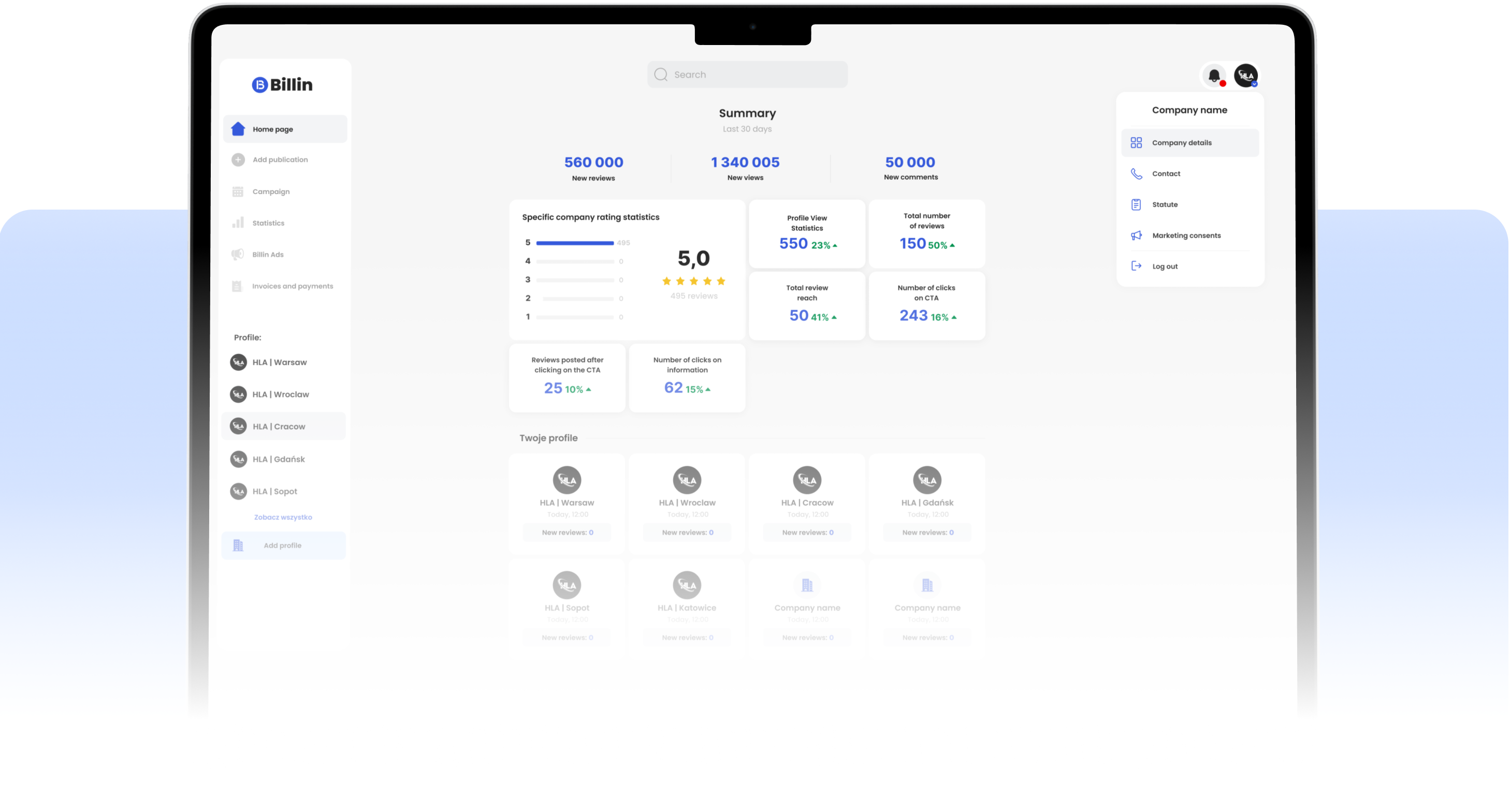
Business Panel
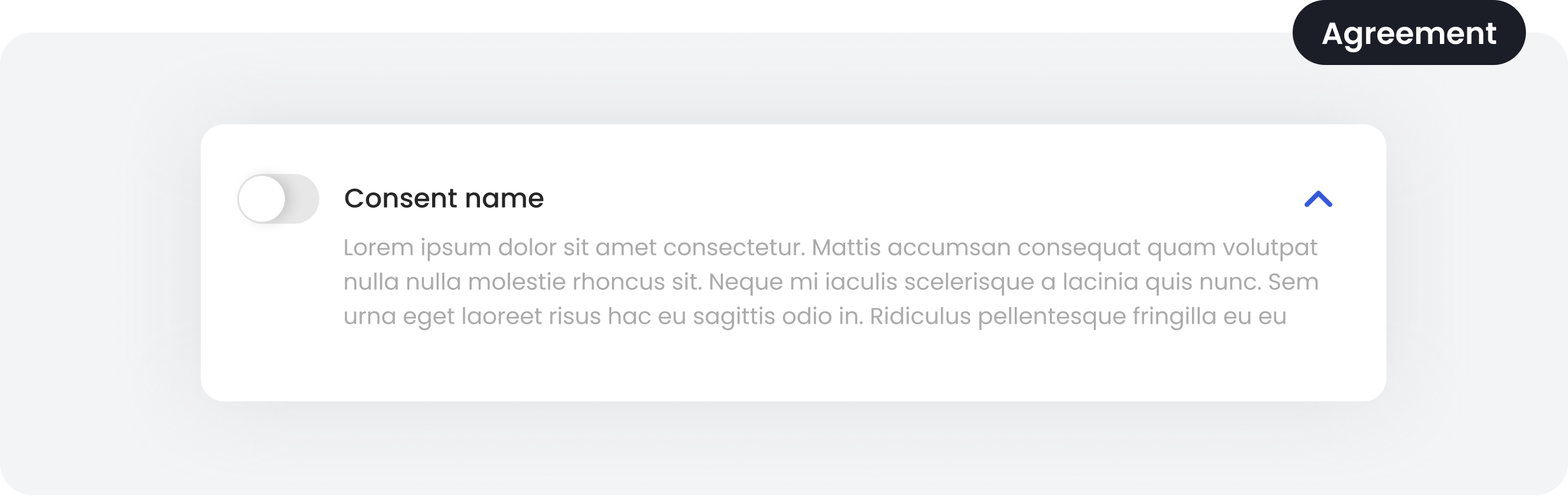
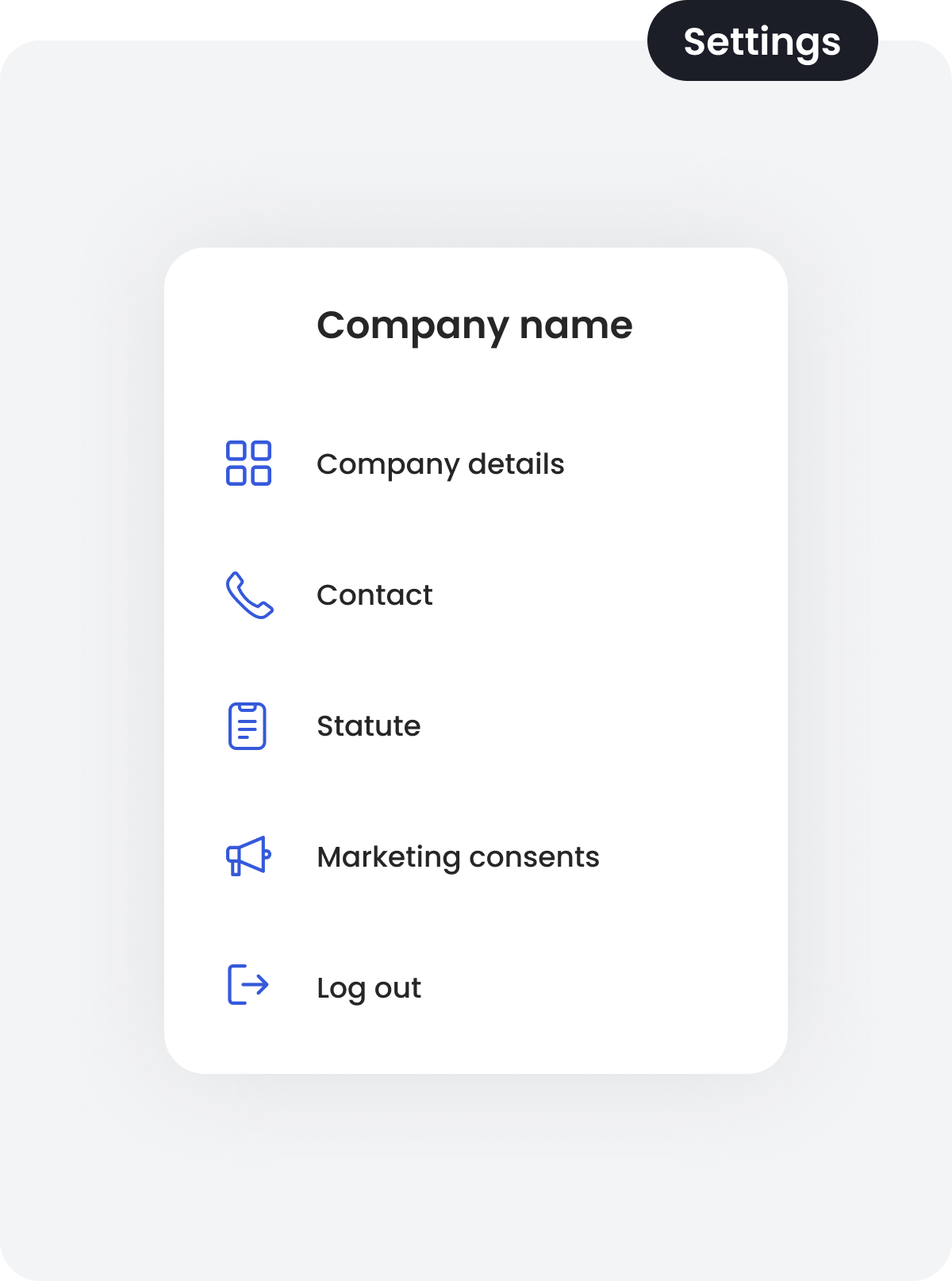
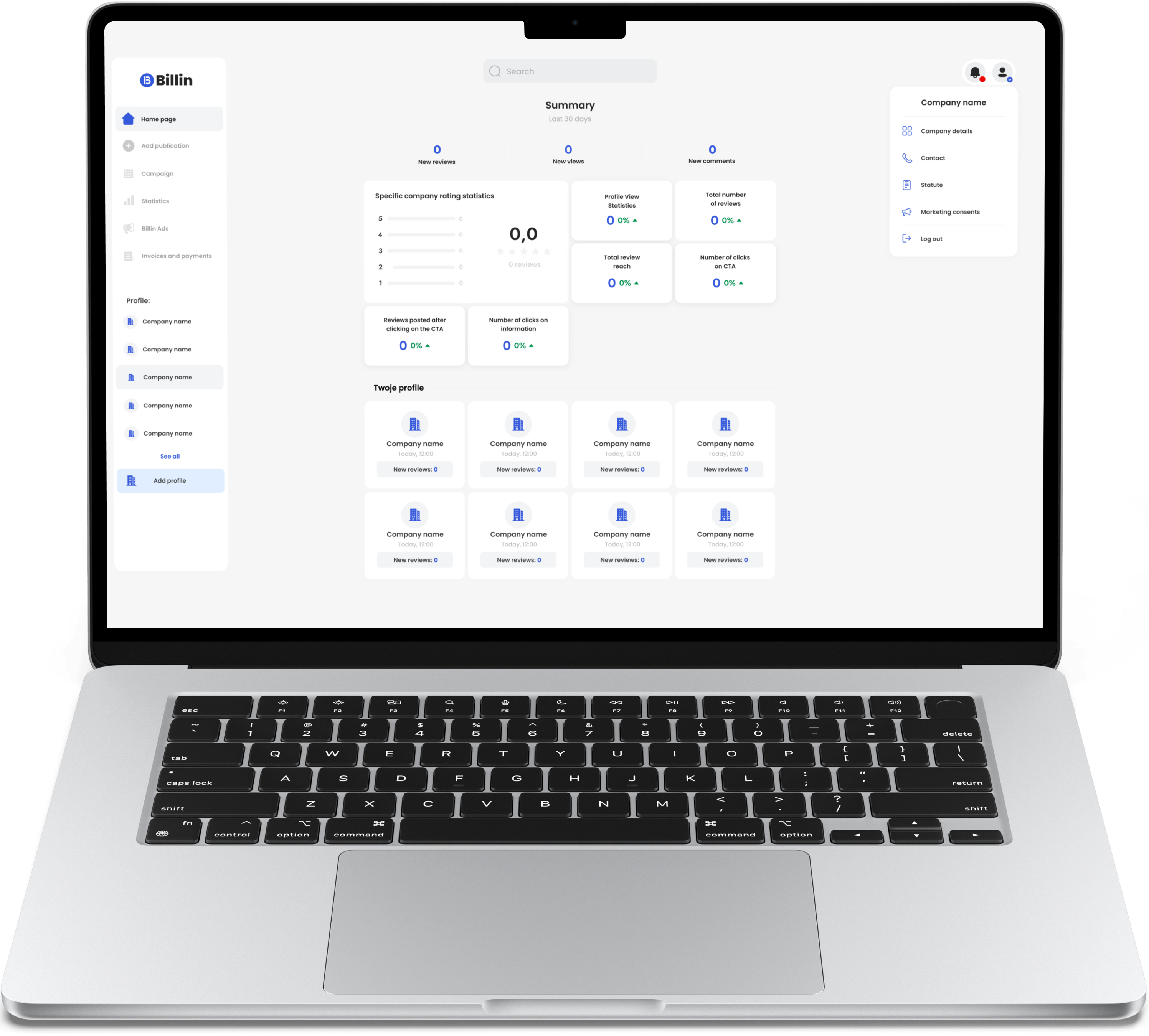
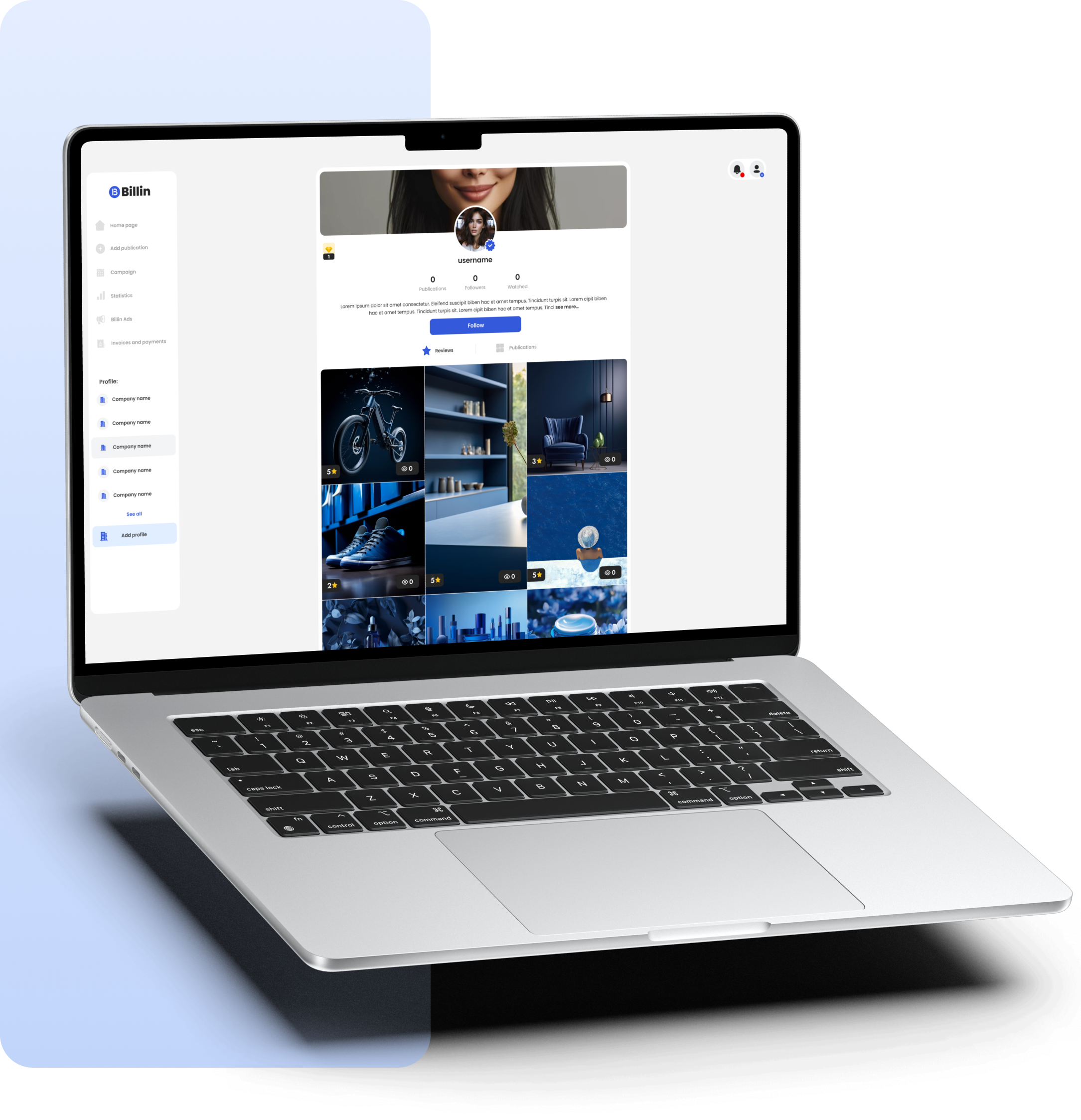
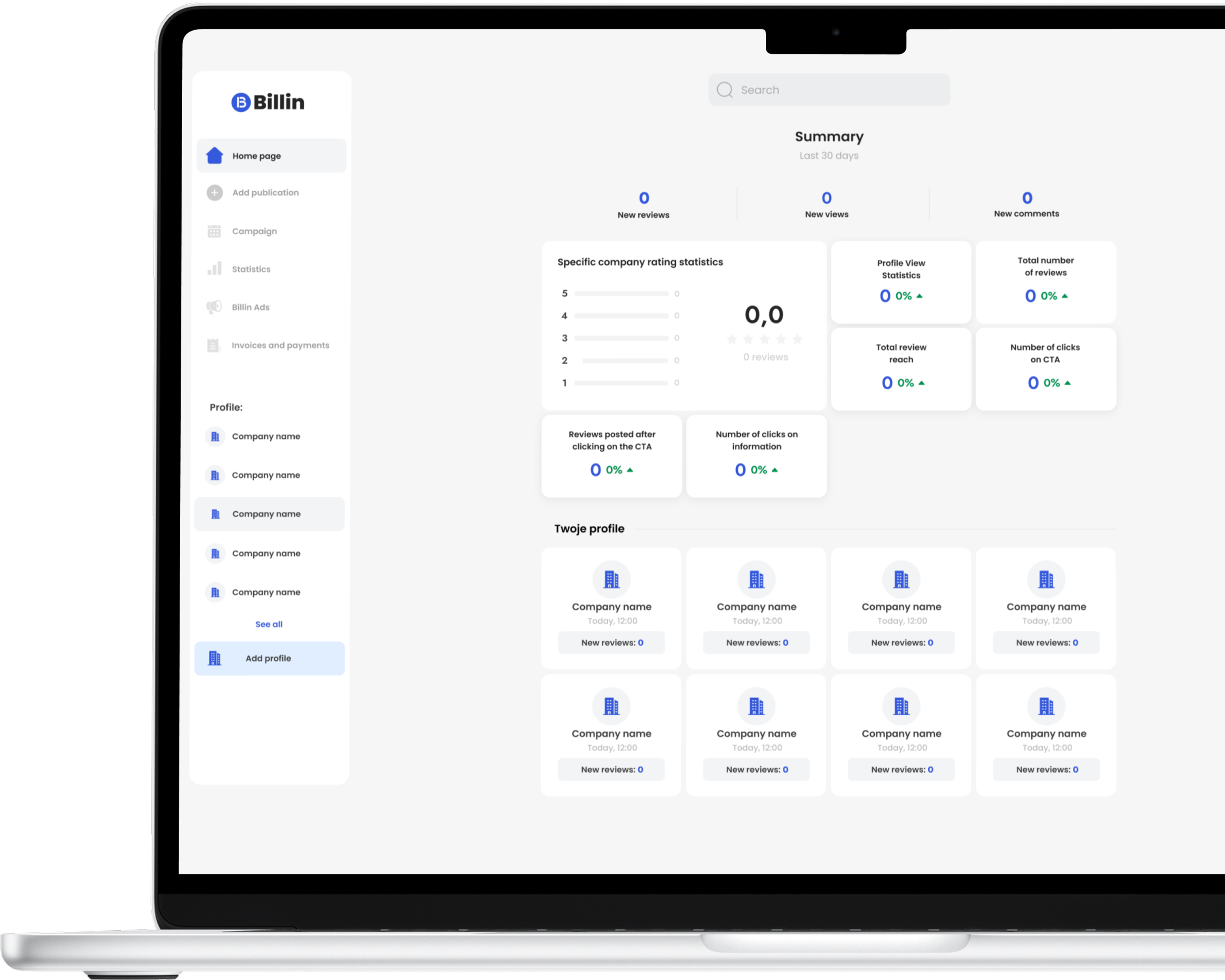
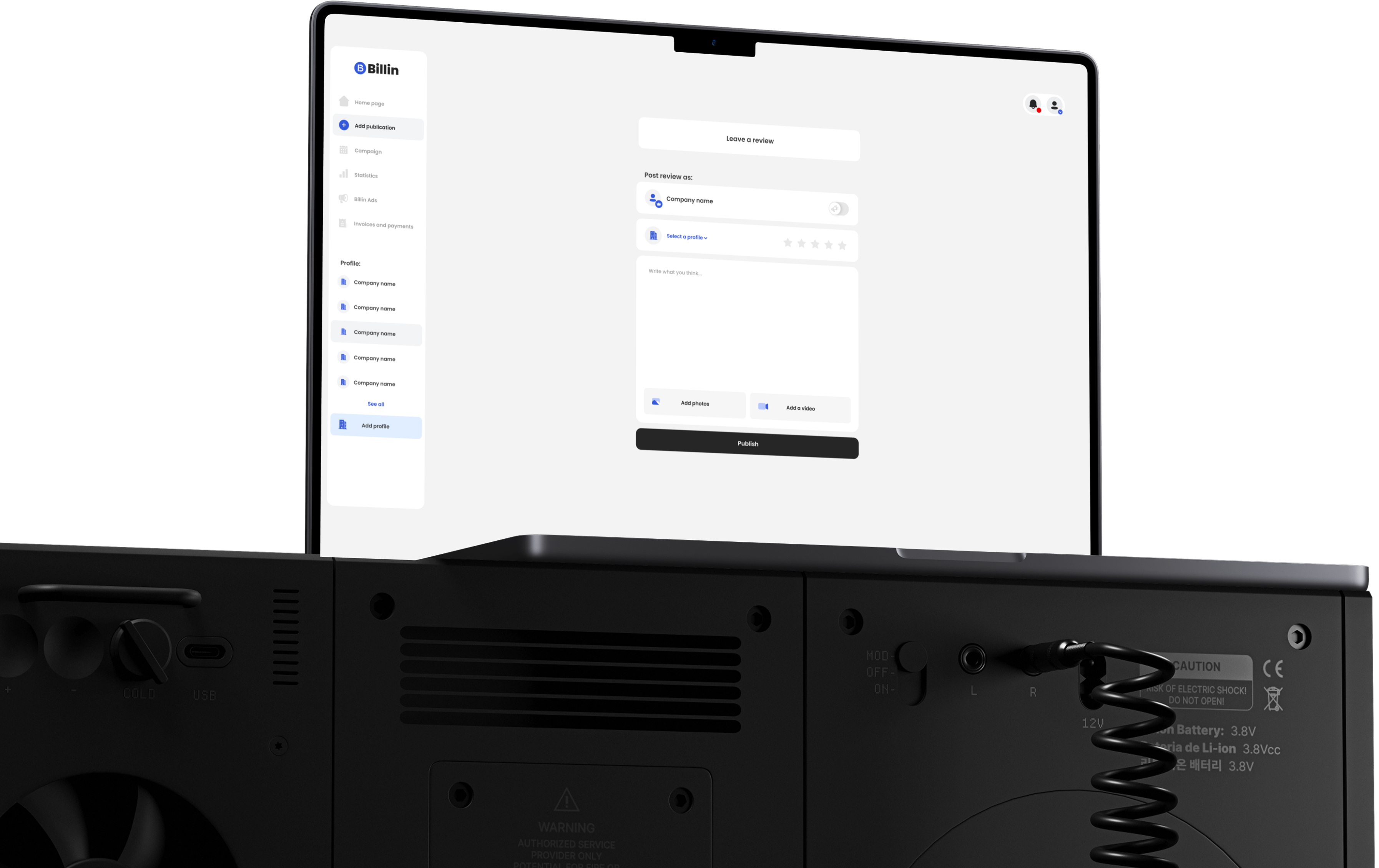
This tool, integrated with a mobile app for posting reviews, enables companies to manage profiles, publish content, analyze statistics, and create marketing campaigns similar to Meta Ads or Google Ads. Thanks to its simple and modern interface, businesses can effectively control their image, reach their target audience, and measure the effectiveness of their activities — all in one place.
Duration
2023 - 2025
Formula
Start-up
'%3e%3crect%20x='7.19995'%20y='9'%20width='23.4'%20height='19.8'%20fill='white'/%3e%3cpath%20fill-rule='evenodd'%20clip-rule='evenodd'%20d='M2.63604%202.63604C0%205.27208%200%209.51472%200%2018C0%2026.4853%200%2030.7279%202.63604%2033.364C5.27208%2036%209.51472%2036%2018%2036C26.4853%2036%2030.7279%2036%2033.364%2033.364C36%2030.7279%2036%2026.4853%2036%2018C36%209.51472%2036%205.27208%2033.364%202.63604C30.7279%200%2026.4853%200%2018%200C9.51472%200%205.27208%200%202.63604%202.63604ZM21.15%2014.4C21.15%2015.1456%2021.7544%2015.75%2022.5%2015.75H23.7408L20.1182%2019.3726C19.9425%2019.5483%2019.6575%2019.5483%2019.4818%2019.3726L16.6274%2016.5182C15.3972%2015.288%2013.4028%2015.288%2012.1726%2016.5182L8.04541%2020.6454C7.5182%2021.1726%207.5182%2022.0274%208.04541%2022.5546C8.57261%2023.0818%209.42739%2023.0818%209.95459%2022.5546L14.0818%2018.4274C14.2575%2018.2516%2014.5425%2018.2516%2014.7182%2018.4274L17.5726%2021.2818C18.8028%2022.512%2020.7972%2022.512%2022.0274%2021.2818L25.65%2017.6592V18.9C25.65%2019.6456%2026.2544%2020.25%2027%2020.25C27.7456%2020.25%2028.35%2019.6456%2028.35%2018.9V14.4C28.35%2013.6544%2027.7456%2013.05%2027%2013.05H22.5C21.7544%2013.05%2021.15%2013.6544%2021.15%2014.4Z'%20fill='%230059FF'/%3e%3c/g%3e%3cdefs%3e%3cclipPath%20id='clip0_729_7206'%3e%3crect%20width='36'%20height='36'%20fill='white'/%3e%3c/clipPath%3e%3c/defs%3e%3c/svg%3e) Business Impact
Business Impact
The web application, designed as a business panel, has a significant impact on the growth and effectiveness of companies operating within the mobile app ecosystem. It primarily enables brands to have full control over their online image - allowing them to claim and manage business profiles, monitor user feedback, and actively respond to reviews.
Thanks to advanced statistics and analytical tools, businesses gain insights into audience behavior, campaign performance, and community engagement levels, which translate into better marketing decisions. The advertising campaign module, in turn, allows companies to effectively reach selected target groups, increasing brand awareness, sales, and customer loyalty.
Promoting user reviews helps companies present themselves positively through their community. The integration of all these features into a single, intuitive panelallows businesses to conduct promotional and branding activities faster, more cost-effectively, and more efficiently - building lasting relationships with users and strengthening their presence in the digital space.
'%3e%3crect%20x='6'%20y='7.19995'%20width='24'%20height='24'%20fill='white'/%3e%3cpath%20fill-rule='evenodd'%20clip-rule='evenodd'%20d='M2.63604%202.63604C0%205.27208%200%209.51472%200%2018C0%2026.4853%200%2030.7279%202.63604%2033.364C5.27208%2036%209.51472%2036%2018%2036C26.4853%2036%2030.7279%2036%2033.364%2033.364C36%2030.7279%2036%2026.4853%2036%2018C36%209.51472%2036%205.27208%2033.364%202.63604C30.7279%200%2026.4853%200%2018%200C9.51472%200%205.27208%200%202.63604%202.63604ZM27%2019.2C27%2026.88%2020.6%2028.8%2017.4%2028.8C14.6%2028.8%209%2026.88%209%2019.2C9%2015.8596%2010.9133%2013.7389%2012.5207%2012.6715C13.2556%2012.1835%2014.1696%2012.4954%2014.2171%2013.3763C14.3211%2015.3038%2015.8065%2016.852%2016.9569%2015.302C18.0098%2013.8834%2018.5294%2011.9569%2018.5294%2010.8C18.5294%209.09579%2020.2545%208.01285%2021.6014%209.05697C24.2267%2011.0921%2027%2014.5005%2027%2019.2Z'%20fill='%230059FF'/%3e%3c/g%3e%3cdefs%3e%3cclipPath%20id='clip0_729_7209'%3e%3crect%20width='36'%20height='36'%20fill='white'/%3e%3c/clipPath%3e%3c/defs%3e%3c/svg%3e) Project Goals
Project Goals
Ensure a consistent user experience between the web and mobile versions (transfer the design systemfrom the mobile application).
Facilitate brand image management with simple tools for claiming profiles, publishing content, and responding to reviews.
Increase the effectiveness of companies marketing activities through an intuitive interface.
Streamline the business decision-making process, making it easier to draw conclusions and respond to market changes.
Adapt the application to different user skill levels — both beginners and advanced analysts.
 Crazy...
'%3e%3cpath%20d='M18%200C26.4853%200%2030.7282%20-0.000296664%2033.3643%202.63574C36.0003%205.27178%2036%209.51472%2036%2018C36%2026.4853%2036.0003%2030.7282%2033.3643%2033.3643C30.7282%2036.0003%2026.4853%2036%2018%2036C9.51472%2036%205.27178%2036.0003%202.63574%2033.3643C-0.000296664%2030.7282%200%2026.4853%200%2018C0%209.51472%20-0.000296714%205.27178%202.63574%202.63574C5.27178%20-0.000296714%209.51472%200%2018%200Z'%20fill='%230059FF'/%3e%3cpath%20d='M10.1808%2018.0152C9.85674%2017.6912%209.33131%2017.6912%209.00719%2018.0152L7.01756%2020.0049C6.6935%2020.3289%206.6935%2020.8544%207.01756%2021.1785L13.6215%2027.7824C13.9456%2028.1065%2014.471%2028.1065%2014.7951%2027.7824L16.7848%2025.7928C17.1088%2025.4687%2017.1088%2024.9433%2016.7848%2024.6192L10.1808%2018.0152ZM8.23068%2023.2133C7.90662%2022.8892%207.38119%2022.8892%207.05708%2023.2133L6.24305%2024.0273C5.91898%2024.3514%205.91898%2024.8768%206.24305%2025.2009L9.5991%2028.557C9.92316%2028.881%2010.4486%2028.881%2010.7727%2028.557L11.5867%2027.7429C11.9108%2027.4189%2011.9108%2026.8934%2011.5867%2026.5693L8.23068%2023.2133ZM21.1785%207.01756C20.8545%206.6935%2020.329%206.6935%2020.0049%207.01756L18.0153%209.00719C17.6912%209.33126%2017.6912%209.85669%2018.0153%2010.1808L24.6193%2016.7848C24.9433%2017.1088%2025.4687%2017.1088%2025.7929%2016.7848L27.7825%2014.7951C28.1065%2014.4711%2028.1065%2013.9456%2027.7825%2013.6215L21.1785%207.01756ZM28.557%209.59915L25.2009%206.24305C24.8768%205.91898%2024.3514%205.91898%2024.0273%206.24305L23.2133%207.05708C22.8892%207.38114%2022.8892%207.90657%2023.2133%208.23068L26.5693%2011.5867C26.8934%2011.9108%2027.4188%2011.9108%2027.7429%2011.5867L28.557%2010.7727C28.881%2010.4486%2028.881%209.92321%2028.557%209.59915Z'%20fill='white'/%3e%3cpath%20d='M12.7674%2019.7903L15.0103%2022.0332L21.9906%2015.0531L19.7477%2012.8102L12.7674%2019.7903Z'%20fill='white'/%3e%3c/g%3e%3cdefs%3e%3cclipPath%20id='clip0_729_7454'%3e%3crect%20width='36'%20height='36'%20fill='white'/%3e%3c/clipPath%3e%3c/defs%3e%3c/svg%3e) Challenges
Challenges

Ensuring intuitiveness despite high functional complexity — the panel offers many advanced tools (campaigns, analytics, profiles, payments).

Clear presentation of analytical data.

Minimizing user cognitive load — the need to design simple user flows.

Ensuring scalability of the design system without compromising UX consistency.

Achieving business conversions through user experience - motivating users to take action.

Maintaining clarity even with large amounts of data and multiple accounts.
'%3e%3crect%20x='7.5'%20y='9'%20width='24'%20height='21'%20fill='white'/%3e%3cpath%20d='M18%200C26.4853%200%2030.7282%20-0.000296664%2033.3643%202.63574C36.0003%205.27178%2036%209.51472%2036%2018C36%2026.4853%2036.0003%2030.7282%2033.3643%2033.3643C30.7282%2036.0003%2026.4853%2036%2018%2036C9.51472%2036%205.27178%2036.0003%202.63574%2033.3643C-0.000296664%2030.7282%200%2026.4853%200%2018C0%209.51472%20-0.000296714%205.27178%202.63574%202.63574C5.27178%20-0.000296714%209.51472%200%2018%200ZM12.5996%2023.8496C11.8542%2023.8498%2011.25%2024.4547%2011.25%2025.2002C11.2501%2025.9456%2011.8543%2026.5496%2012.5996%2026.5498H23.4004C24.1457%2026.5496%2024.7499%2025.9456%2024.75%2025.2002C24.75%2024.4547%2024.1458%2023.8498%2023.4004%2023.8496H12.5996ZM12.5996%2012.5996C11.6057%2012.5999%2010.7999%2013.8089%2010.7998%2015.2998C10.7998%2016.7908%2011.6057%2017.9997%2012.5996%2018C13.5937%2018%2014.4004%2016.791%2014.4004%2015.2998C14.4003%2013.8087%2013.5937%2012.5996%2012.5996%2012.5996ZM23.4004%2012.5996C22.4063%2012.5996%2021.5997%2013.8087%2021.5996%2015.2998C21.5996%2016.791%2022.4063%2018%2023.4004%2018C24.3943%2017.9997%2025.2002%2016.7908%2025.2002%2015.2998C25.2001%2013.8089%2024.3943%2012.5999%2023.4004%2012.5996Z'%20fill='%230059FF'/%3e%3crect%20x='9'%20y='7.5'%20width='21'%20height='22.5'%20fill='%230059FF'/%3e%3cpath%20fill-rule='evenodd'%20clip-rule='evenodd'%20d='M14.7812%2024.7975C14.7812%2024.3256%2015.159%2023.943%2015.625%2023.943H20.125C20.591%2023.943%2020.9688%2024.3256%2020.9688%2024.7975C20.9688%2025.2694%2020.591%2025.6519%2020.125%2025.6519H15.625C15.159%2025.6519%2014.7812%2025.2694%2014.7812%2024.7975ZM15.5312%2027.6456C15.5312%2027.1737%2015.909%2026.7911%2016.375%2026.7911H19.375C19.841%2026.7911%2020.2188%2027.1737%2020.2188%2027.6456C20.2188%2028.1175%2019.841%2028.5%2019.375%2028.5H16.375C15.909%2028.5%2015.5312%2028.1175%2015.5312%2027.6456Z'%20fill='white'/%3e%3cpath%20d='M12.7119%2019.3069L13.954%2020.4907C14.3024%2020.8229%2014.5%2021.2859%2014.5%2021.7705C14.5%2022.4985%2015.0828%2023.0886%2015.8016%2023.0886H19.9484C20.6672%2023.0886%2021.25%2022.4985%2021.25%2021.7705C21.25%2021.2859%2021.4476%2020.8229%2021.796%2020.4907L23.0381%2019.3069C24.7719%2017.6416%2025.7402%2015.4539%2025.7499%2013.1794L25.75%2013.0839C25.75%209.19773%2022.2242%206%2017.875%206C13.5258%206%2010%209.19773%2010%2013.0839L10.0001%2013.1794C10.0098%2015.4539%2010.9781%2017.6416%2012.7119%2019.3069Z'%20fill='white'/%3e%3c/g%3e%3cdefs%3e%3cclipPath%20id='clip0_729_7225'%3e%3crect%20width='36'%20height='36'%20fill='white'/%3e%3c/clipPath%3e%3c/defs%3e%3c/svg%3e) Solutions
Solutions
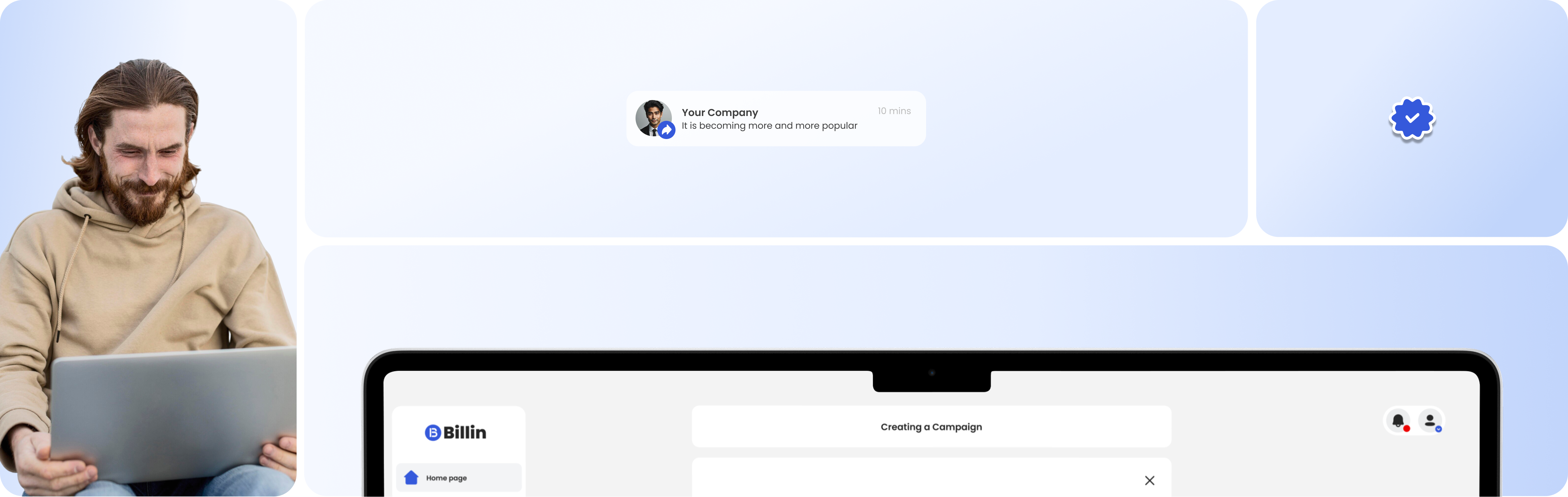
Simplifying processes (e.g., campaign creation) to a maximum of 3–4 steps, introducing step-by-step guides and clear contextual messages.
Designing a layered interface — basic functions available immediately, while advanced options are hidden in expandable panels. This way, beginner users see only what they need.
Basing the design on the mobile app’s design system and ensuring consistent microinteractions and a similar functional layout.
Introducing a “summary” mode and a detailed view for users who need deeper analysis.
Implementing a component-based UI architecture and a flexible grid system that allows easy addition of new modules without rebuilding the entire interface.
Designing an interactive panel guide, short tutorials, and contextual notifications that appear during initial user actions.
Designing user flows with a focus on conversion-driven decisions (CTAs in the right places, action recommendations, performance notifications).
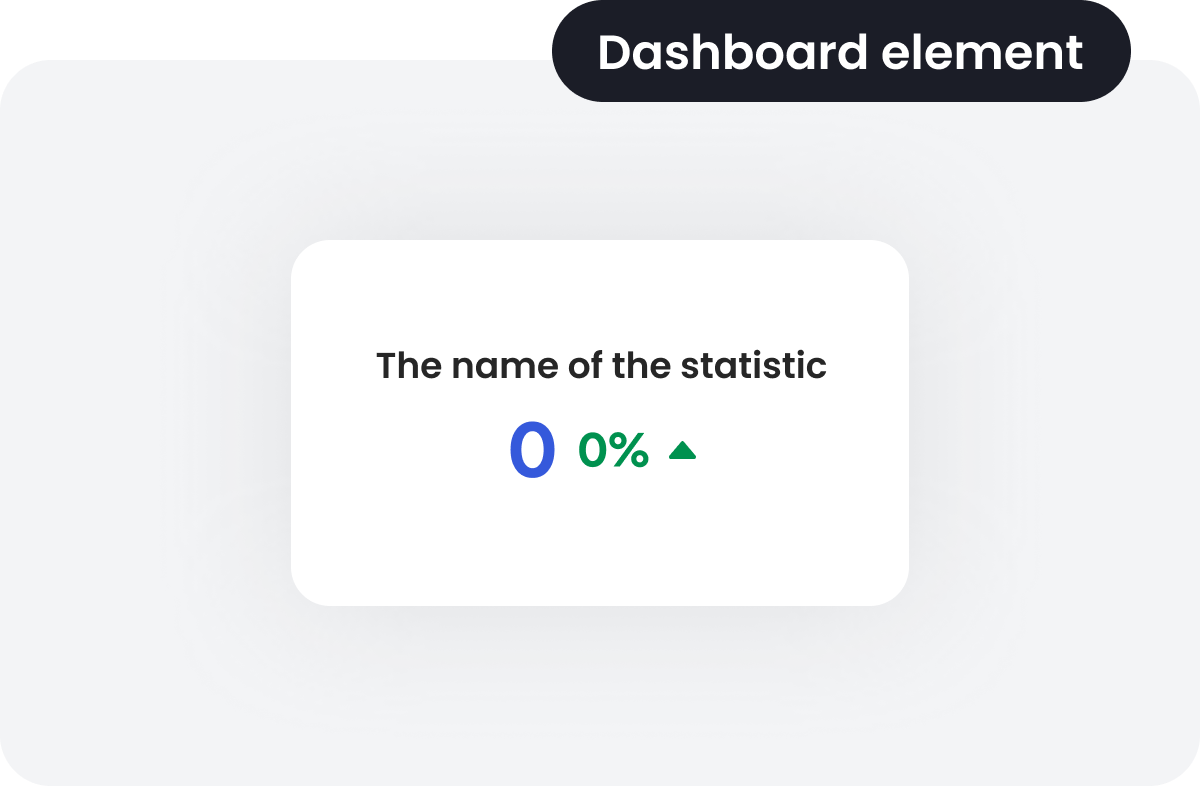
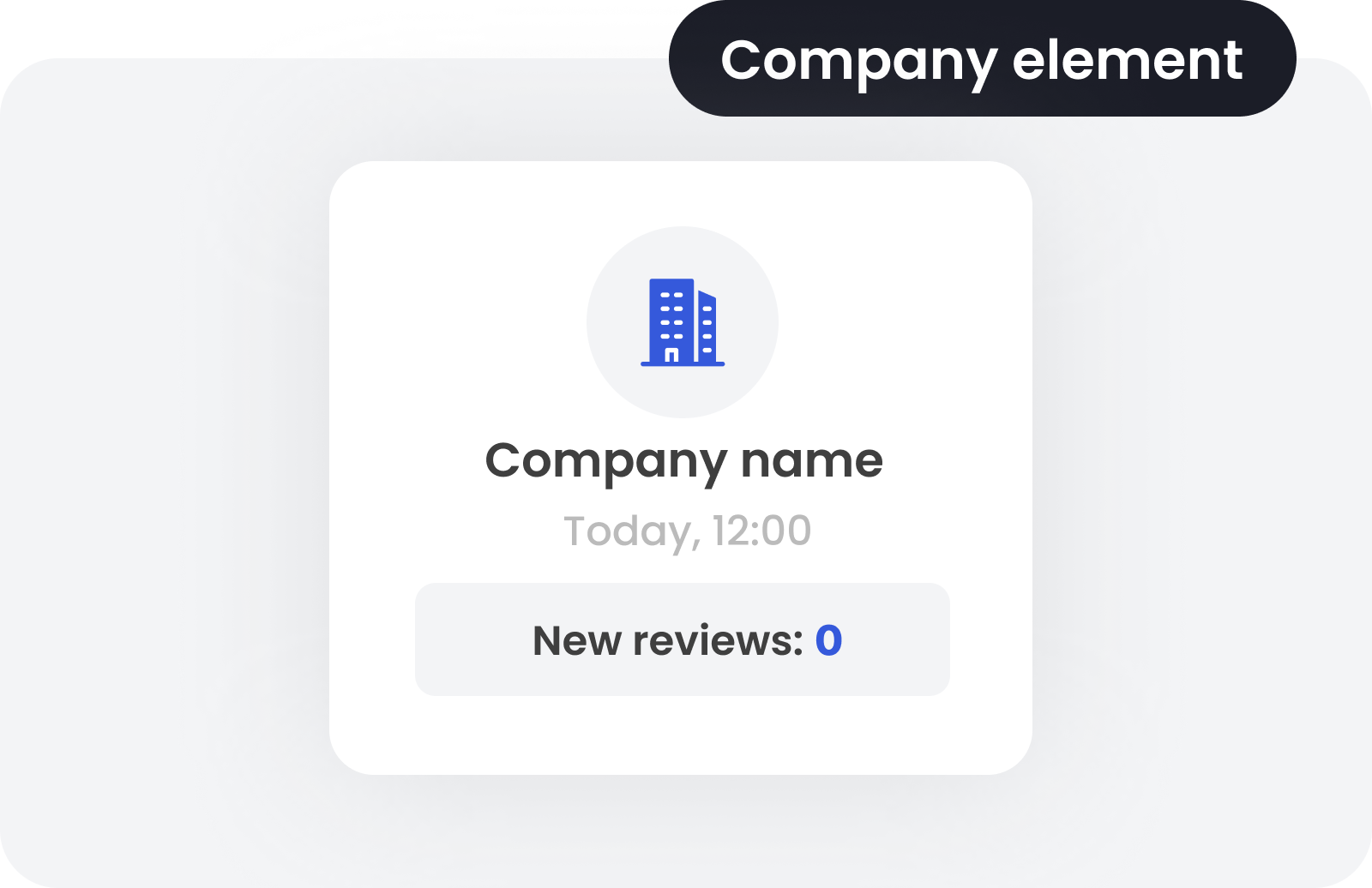
Using simple, interactive charts and KPI indicators, grouping information into cards with short descriptions and icons.
Introducing a modular dashboard layout with clearly separated sections (campaigns, profiles, analytics, payments).
Adding contextual hints (tooltips, onboarding tooltips). Using card-style components and icons that make features easy to recognize.

'%3e%3crect%20x='7.5'%20y='9'%20width='24'%20height='21'%20fill='white'/%3e%3cpath%20d='M18%200C26.4853%200%2030.7282%20-0.000296664%2033.3643%202.63574C36.0003%205.27178%2036%209.51472%2036%2018C36%2026.4853%2036.0003%2030.7282%2033.3643%2033.3643C30.7282%2036.0003%2026.4853%2036%2018%2036C9.51472%2036%205.27178%2036.0003%202.63574%2033.3643C-0.000296664%2030.7282%200%2026.4853%200%2018C0%209.51472%20-0.000296714%205.27178%202.63574%202.63574C5.27178%20-0.000296714%209.51472%200%2018%200ZM12.5996%2023.8496C11.8542%2023.8498%2011.25%2024.4547%2011.25%2025.2002C11.2501%2025.9456%2011.8543%2026.5496%2012.5996%2026.5498H23.4004C24.1457%2026.5496%2024.7499%2025.9456%2024.75%2025.2002C24.75%2024.4547%2024.1458%2023.8498%2023.4004%2023.8496H12.5996ZM12.5996%2012.5996C11.6057%2012.5999%2010.7999%2013.8089%2010.7998%2015.2998C10.7998%2016.7908%2011.6057%2017.9997%2012.5996%2018C13.5937%2018%2014.4004%2016.791%2014.4004%2015.2998C14.4003%2013.8087%2013.5937%2012.5996%2012.5996%2012.5996ZM23.4004%2012.5996C22.4063%2012.5996%2021.5997%2013.8087%2021.5996%2015.2998C21.5996%2016.791%2022.4063%2018%2023.4004%2018C24.3943%2017.9997%2025.2002%2016.7908%2025.2002%2015.2998C25.2001%2013.8089%2024.3943%2012.5999%2023.4004%2012.5996Z'%20fill='%230059FF'/%3e%3crect%20x='9'%20y='7.5'%20width='21'%20height='22.5'%20fill='%230059FF'/%3e%3cpath%20d='M9.00472%2010.0049C7.83176%2011.1778%207.83176%2013.0796%209.00472%2014.2525L10.6586%2015.9064C10.671%2015.8921%2010.6841%2015.878%2010.6977%2015.8644L14.8644%2011.6977C14.878%2011.6841%2014.8919%2011.6711%2014.9062%2011.6588L13.2524%2010.0049C12.0794%208.83192%2010.1777%208.83192%209.00472%2010.0049Z'%20fill='white'/%3e%3cpath%20d='M16.0082%2012.7607C15.9958%2012.775%2015.9828%2012.789%2015.9692%2012.8026L11.8025%2016.9693C11.7889%2016.9829%2011.7749%2016.9959%2011.7605%2017.0083L21.7476%2026.9954C22.9206%2028.1684%2024.8223%2028.1684%2025.9953%2026.9954C27.1682%2025.8225%2027.1682%2023.9208%2025.9953%2022.7478L16.0082%2012.7607Z'%20fill='white'/%3e%3cpath%20d='M21.7709%208.40348C21.9385%207.97683%2022.5401%207.97683%2022.7078%208.40348L23.1561%209.54441C23.2073%209.67467%2023.31%209.77778%2023.4398%209.82915L24.5765%2010.2791C25.0016%2010.4474%2025.0016%2011.0512%2024.5765%2011.2195L23.4398%2011.6695C23.31%2011.7208%2023.2073%2011.8239%2023.1561%2011.9542L22.7078%2013.0951C22.5401%2013.5218%2021.9385%2013.5218%2021.7709%2013.0951L21.3226%2011.9542C21.2714%2011.8239%2021.1686%2011.7208%2021.0389%2011.6695L19.9021%2011.2195C19.4771%2011.0512%2019.4771%2010.4474%2019.9021%2010.2791L21.0389%209.82915C21.1686%209.77778%2021.2714%209.67467%2021.3226%209.54441L21.7709%208.40348Z'%20fill='white'/%3e%3cpath%20d='M25.7991%2015.51C25.9668%2015.0834%2026.5684%2015.0834%2026.736%2015.51L26.8995%2015.926C26.9507%2016.0563%2027.0534%2016.1594%2027.1832%2016.2107L27.5976%2016.3748C28.0227%2016.5431%2028.0227%2017.1469%2027.5976%2017.3152L27.1832%2017.4792C27.0534%2017.5306%2026.9507%2017.6337%2026.8995%2017.764L26.736%2018.1799C26.5684%2018.6066%2025.9668%2018.6066%2025.7991%2018.1799L25.6357%2017.764C25.5845%2017.6337%2025.4818%2017.5306%2025.352%2017.4792L24.9375%2017.3152C24.5125%2017.1469%2024.5125%2016.5431%2024.9375%2016.3748L25.352%2016.2107C25.4818%2016.1594%2025.5845%2016.0563%2025.6357%2015.926L25.7991%2015.51Z'%20fill='white'/%3e%3cpath%20d='M10.3471%2021.9452C10.5147%2021.5185%2011.1163%2021.5185%2011.284%2021.9452L11.4474%2022.3611C11.4986%2022.4914%2011.6013%2022.5945%2011.7311%2022.6459L12.1456%2022.8099C12.5707%2022.9782%2012.5707%2023.582%2012.1456%2023.7503L11.7311%2023.9144C11.6013%2023.9657%2011.4986%2024.0688%2011.4474%2024.1991L11.284%2024.6151C11.1163%2025.0417%2010.5147%2025.0417%2010.3471%2024.6151L10.1836%2024.1991C10.1324%2024.0688%2010.0297%2023.9657%209.89993%2023.9144L9.48548%2023.7503C9.0604%2023.582%209.0604%2022.9782%209.48548%2022.8099L9.89993%2022.6459C10.0297%2022.5945%2010.1324%2022.4914%2010.1836%2022.3611L10.3471%2021.9452Z'%20fill='white'/%3e%3c/g%3e%3cdefs%3e%3cclipPath%20id='clip0_729_7445'%3e%3crect%20width='36'%20height='36'%20fill='white'/%3e%3c/clipPath%3e%3c/defs%3e%3c/svg%3e) My role
My role
As a UI/UX Designer, I was responsible for the entire design process – from analyzing user needs and business goals, through designing information architecture and prototyping, to usability testing.
I began with market research and benchmarking solutions such as Meta Ads and Google Ads, to align interaction patterns with Billin’s specific requirements. Together with the team, we defined key objectives and created user flow maps and navigation structure to ensure intuitive access to dashboard features.
I developed both low-fidelity and high-fidelity prototypes, which were tested with business users. Based on test results, I introduced improvements in visual hierarchy, layout, and contextual messaging.
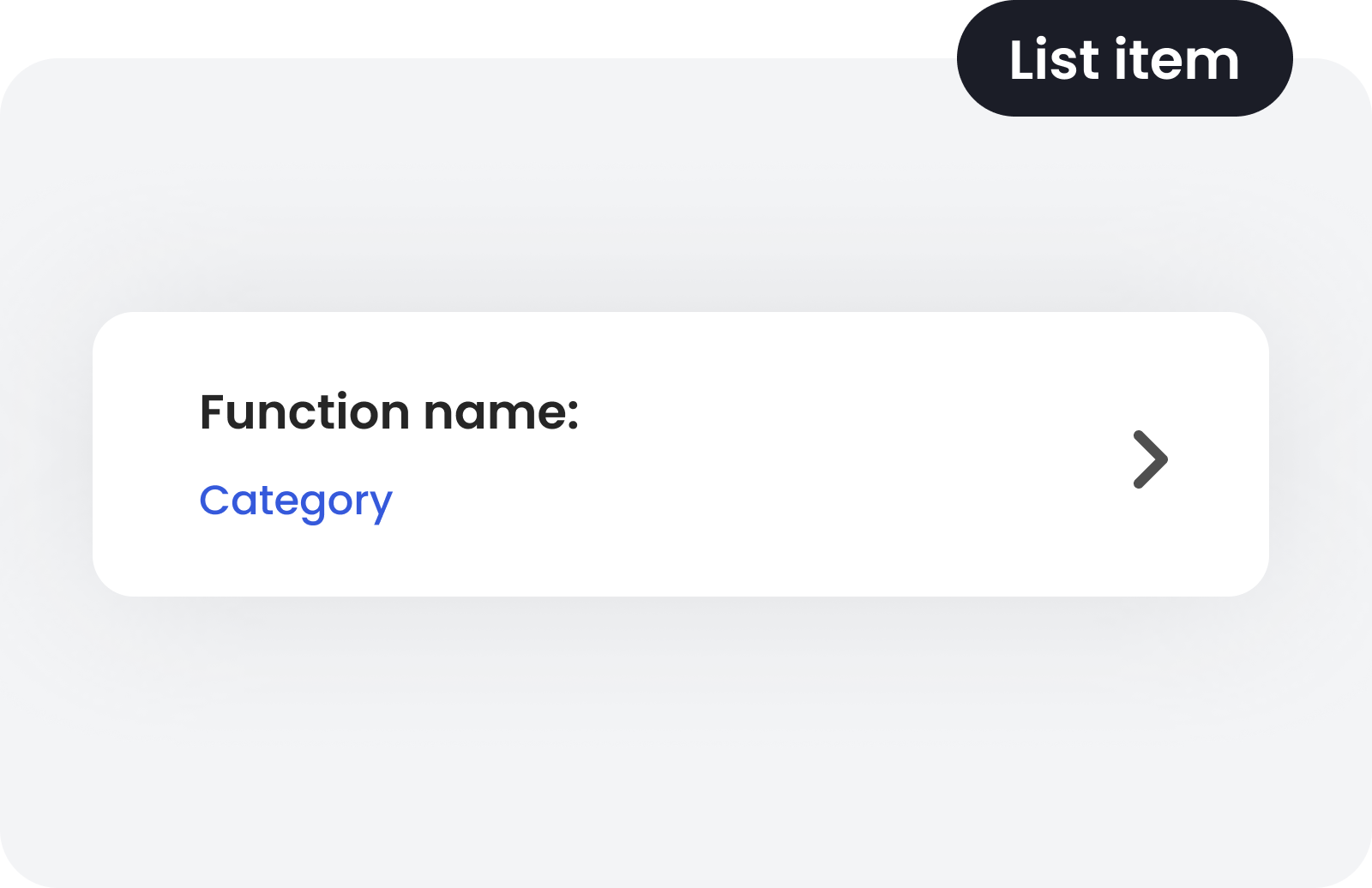
I also created a design system ensuring consistency between the web and mobile versions, maintaining a strong balance between aesthetics and functionality.
As part of the research phase, I conducted competitive analysis, user interviews (with business owners and marketers) and usability testing of the prototype. The goal was to build a tool that combines business needs with convenience and efficiency in users’ daily work.

'%3e%3crect%20x='7.5'%20y='9'%20width='24'%20height='21'%20fill='white'/%3e%3cpath%20d='M18%200C26.4853%200%2030.7282%20-0.000296664%2033.3643%202.63574C36.0003%205.27178%2036%209.51472%2036%2018C36%2026.4853%2036.0003%2030.7282%2033.3643%2033.3643C30.7282%2036.0003%2026.4853%2036%2018%2036C9.51472%2036%205.27178%2036.0003%202.63574%2033.3643C-0.000296664%2030.7282%200%2026.4853%200%2018C0%209.51472%20-0.000296714%205.27178%202.63574%202.63574C5.27178%20-0.000296714%209.51472%200%2018%200ZM12.5996%2023.8496C11.8542%2023.8498%2011.25%2024.4547%2011.25%2025.2002C11.2501%2025.9456%2011.8543%2026.5496%2012.5996%2026.5498H23.4004C24.1457%2026.5496%2024.7499%2025.9456%2024.75%2025.2002C24.75%2024.4547%2024.1458%2023.8498%2023.4004%2023.8496H12.5996ZM12.5996%2012.5996C11.6057%2012.5999%2010.7999%2013.8089%2010.7998%2015.2998C10.7998%2016.7908%2011.6057%2017.9997%2012.5996%2018C13.5937%2018%2014.4004%2016.791%2014.4004%2015.2998C14.4003%2013.8087%2013.5937%2012.5996%2012.5996%2012.5996ZM23.4004%2012.5996C22.4063%2012.5996%2021.5997%2013.8087%2021.5996%2015.2998C21.5996%2016.791%2022.4063%2018%2023.4004%2018C24.3943%2017.9997%2025.2002%2016.7908%2025.2002%2015.2998C25.2001%2013.8089%2024.3943%2012.5999%2023.4004%2012.5996Z'%20fill='%230059FF'/%3e%3crect%20x='9'%20y='7.5'%20width='21'%20height='22.5'%20fill='%230059FF'/%3e%3cpath%20fill-rule='evenodd'%20clip-rule='evenodd'%20d='M16.7545%2028.7854C11.3765%2028.1662%207.19995%2023.5863%207.19995%2018.0284C7.19995%2012.0481%2012.0353%207.2002%2018%207.2002C23.9646%207.2002%2028.8%2012.0481%2028.8%2018.0284C28.8%2023.612%2025.2546%2023.1528%2022.2266%2022.7606C20.4801%2022.5344%2018.9056%2022.3305%2018.2828%2023.3212C17.8568%2023.9987%2018.3173%2024.8435%2018.8821%2025.4098C19.5878%2026.1174%2019.5878%2027.2646%2018.8821%2027.9721C18.3173%2028.5384%2017.5481%2028.8767%2016.7545%2028.7854ZM17.0118%2012.614C17.0118%2013.5111%2016.2865%2014.2383%2015.3918%2014.2383C14.4971%2014.2383%2013.7718%2013.5111%2013.7718%2012.614C13.7718%2011.717%2014.4971%2010.9898%2015.3918%2010.9898C16.2865%2010.9898%2017.0118%2011.717%2017.0118%2012.614ZM12.06%2019.1112C12.9547%2019.1112%2013.68%2018.384%2013.68%2017.487C13.68%2016.5899%2012.9547%2015.8627%2012.06%2015.8627C11.1653%2015.8627%2010.44%2016.5899%2010.44%2017.487C10.44%2018.384%2011.1653%2019.1112%2012.06%2019.1112ZM23.94%2019.1112C24.8347%2019.1112%2025.56%2018.384%2025.56%2017.487C25.56%2016.5899%2024.8347%2015.8627%2023.94%2015.8627C23.0453%2015.8627%2022.32%2016.5899%2022.32%2017.487C22.32%2018.384%2023.0453%2019.1112%2023.94%2019.1112ZM20.7%2014.2385C21.5947%2014.2385%2022.32%2013.5113%2022.32%2012.6143C22.32%2011.7172%2021.5947%2010.99%2020.7%2010.99C19.8053%2010.99%2019.08%2011.7172%2019.08%2012.6143C19.08%2013.5113%2019.8053%2014.2385%2020.7%2014.2385Z'%20fill='white'/%3e%3c/g%3e%3cdefs%3e%3cclipPath%20id='clip0_729_7231'%3e%3crect%20width='36'%20height='36'%20fill='white'/%3e%3c/clipPath%3e%3c/defs%3e%3c/svg%3e) Design system
Design system
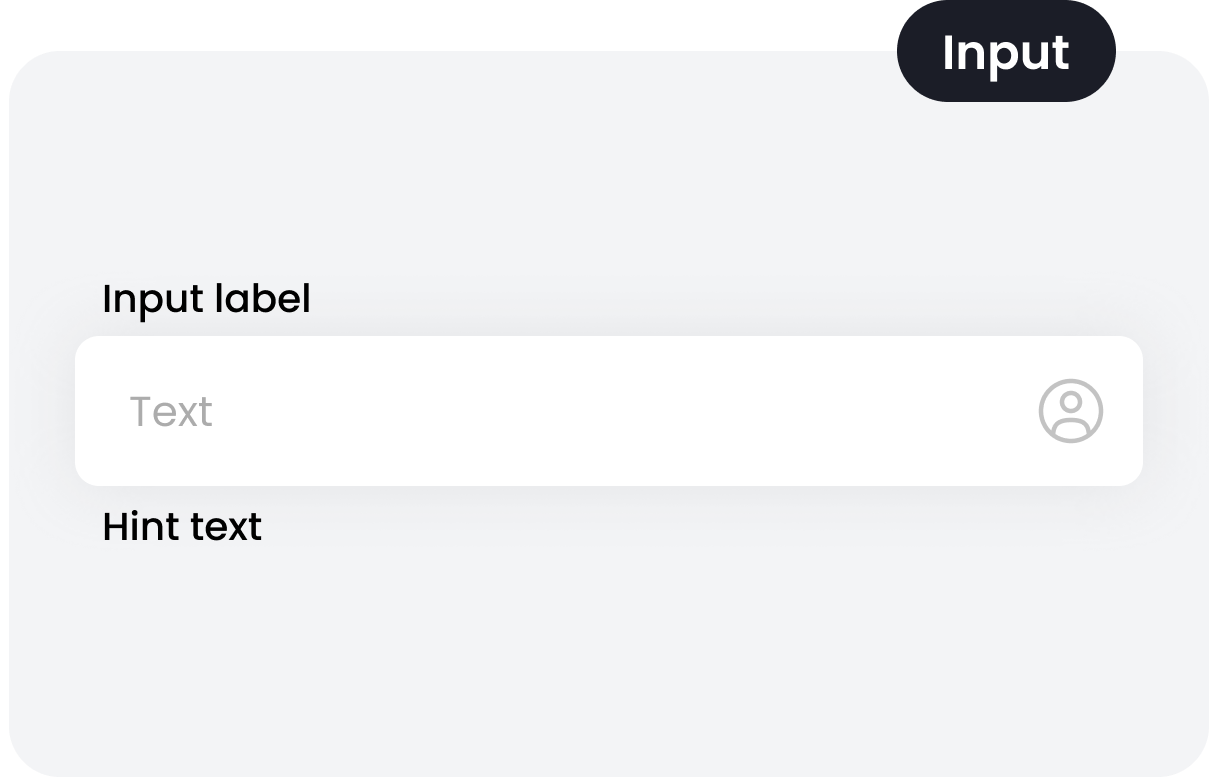
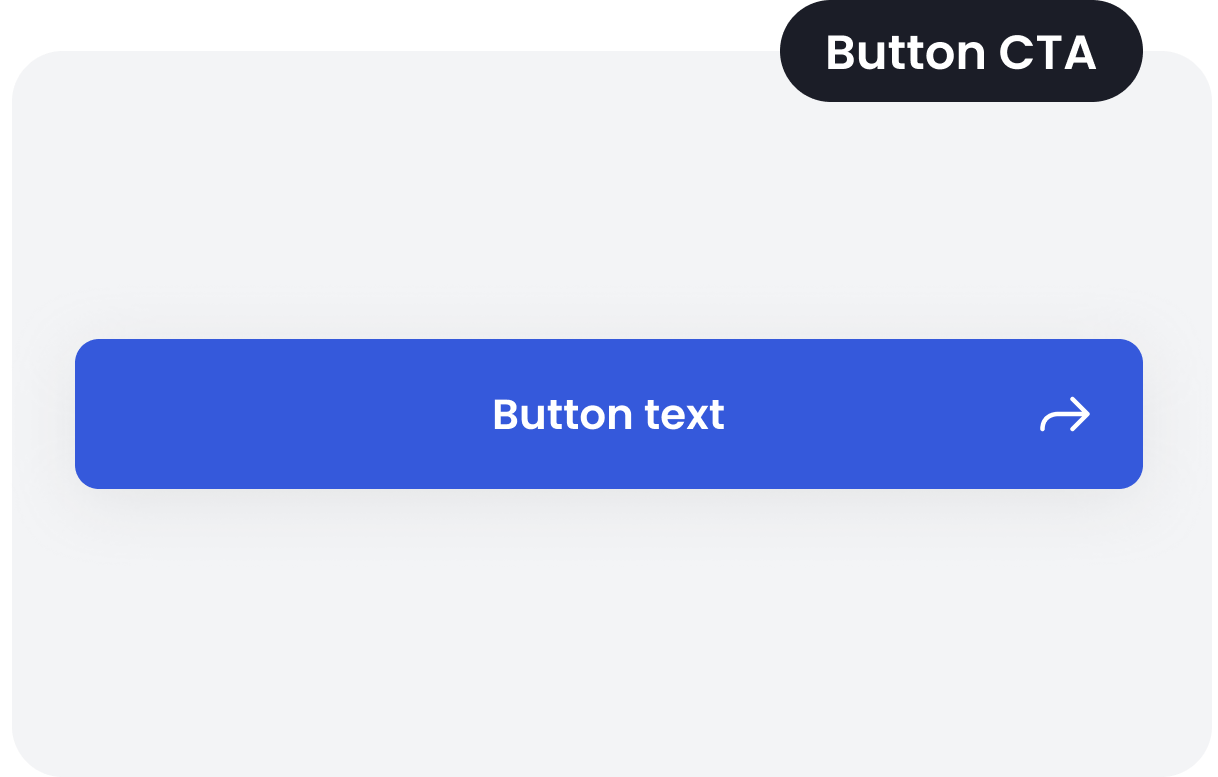
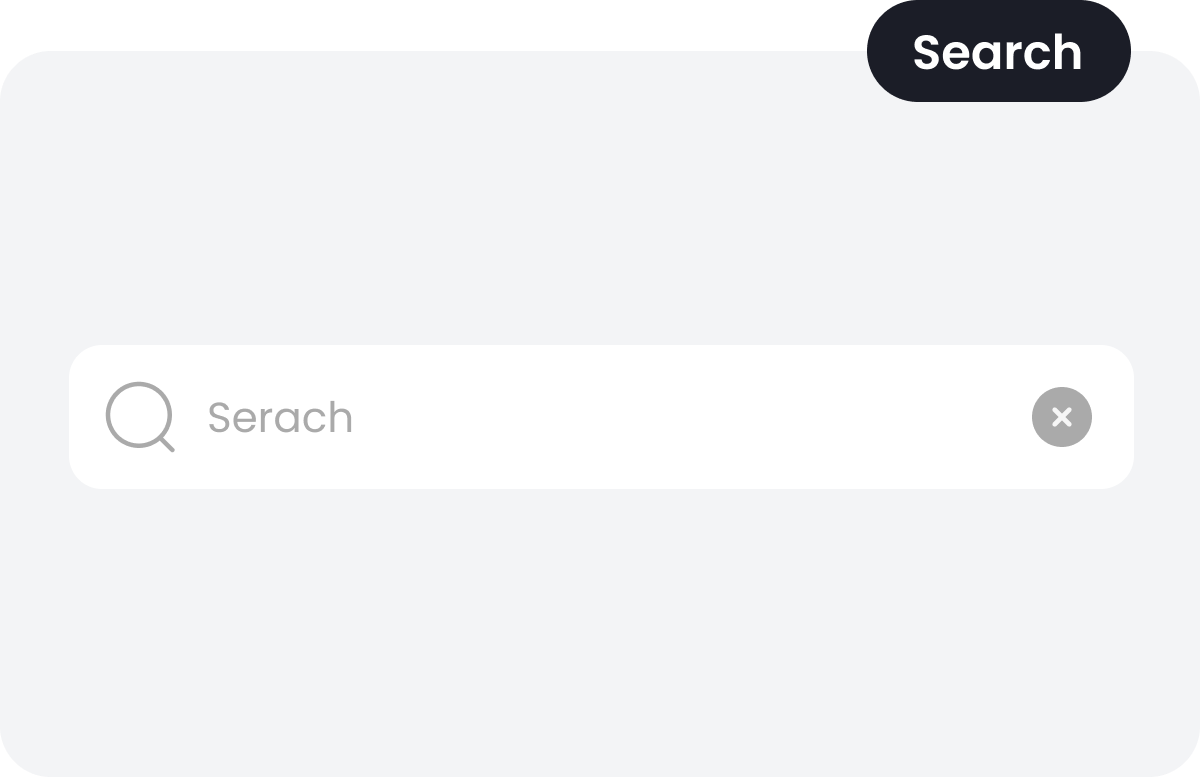
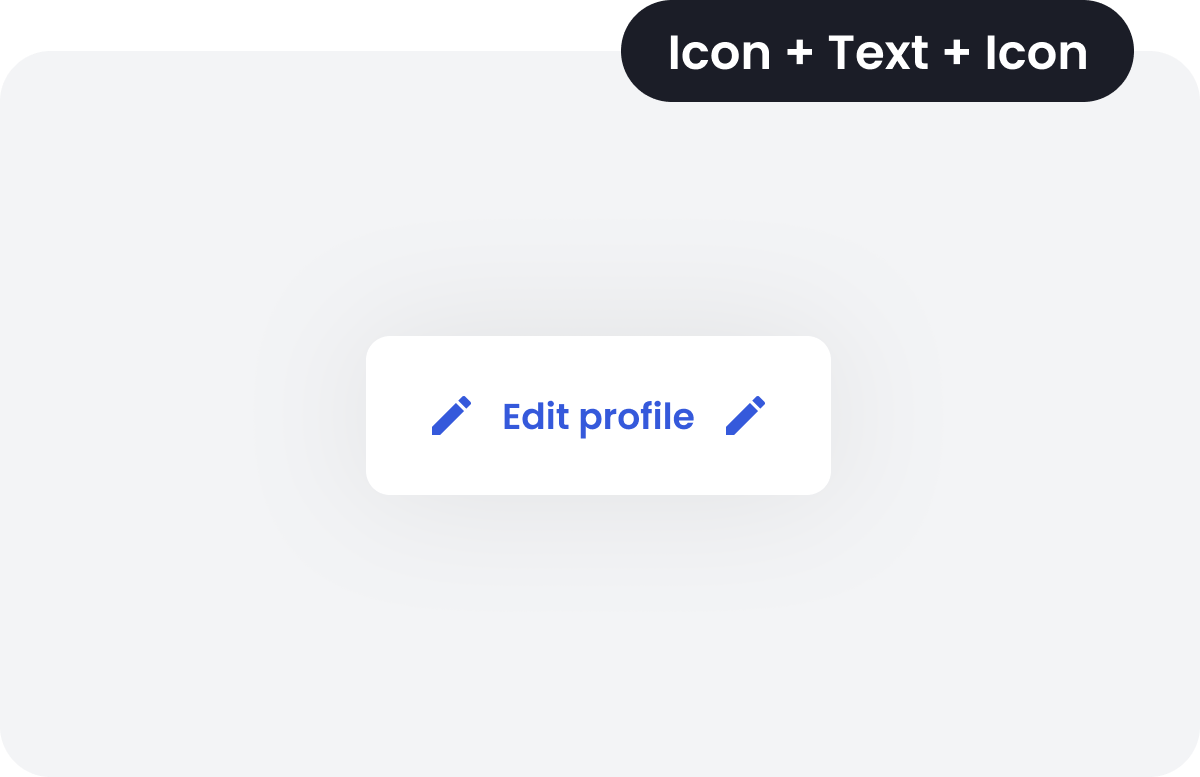
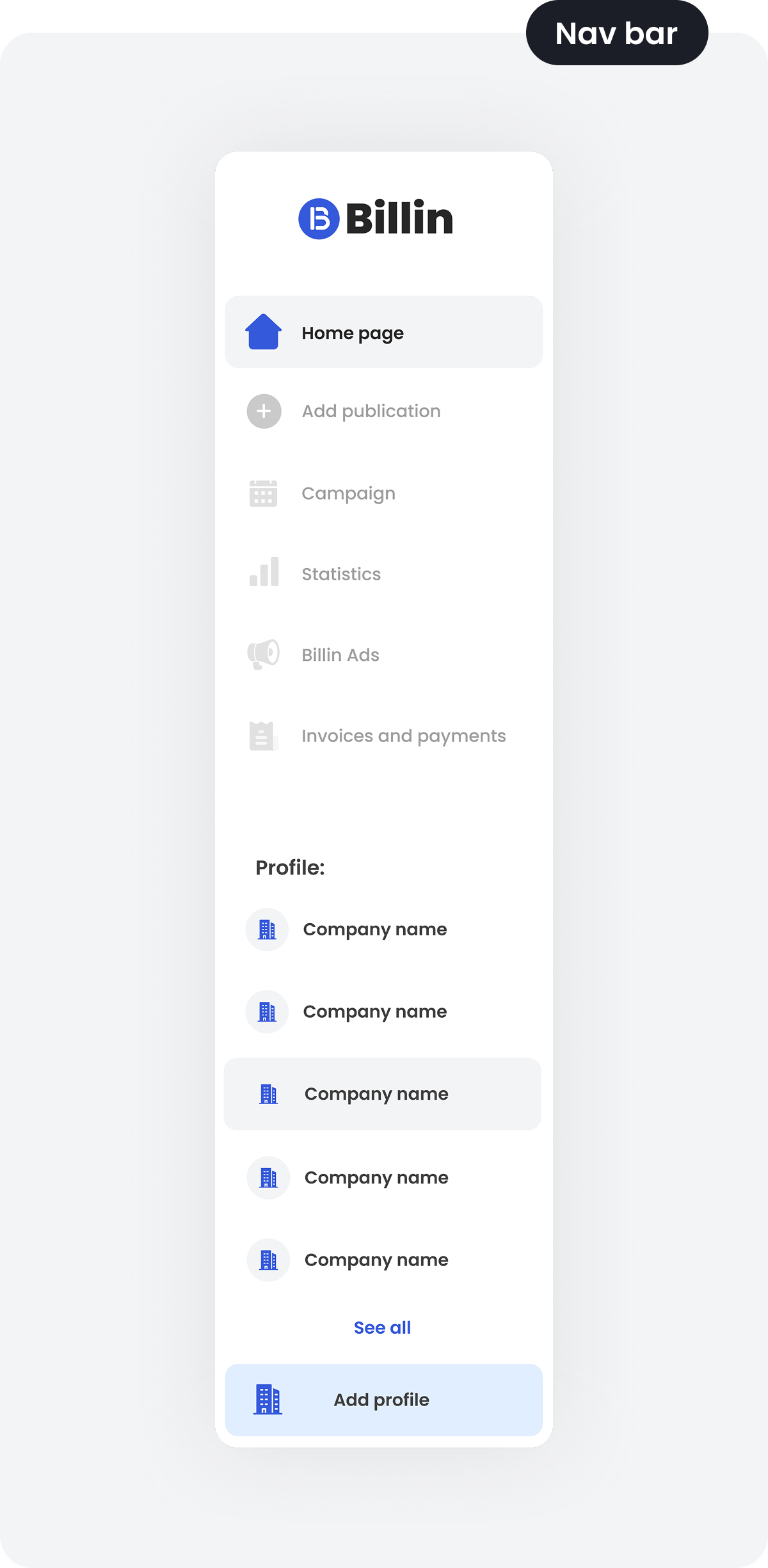
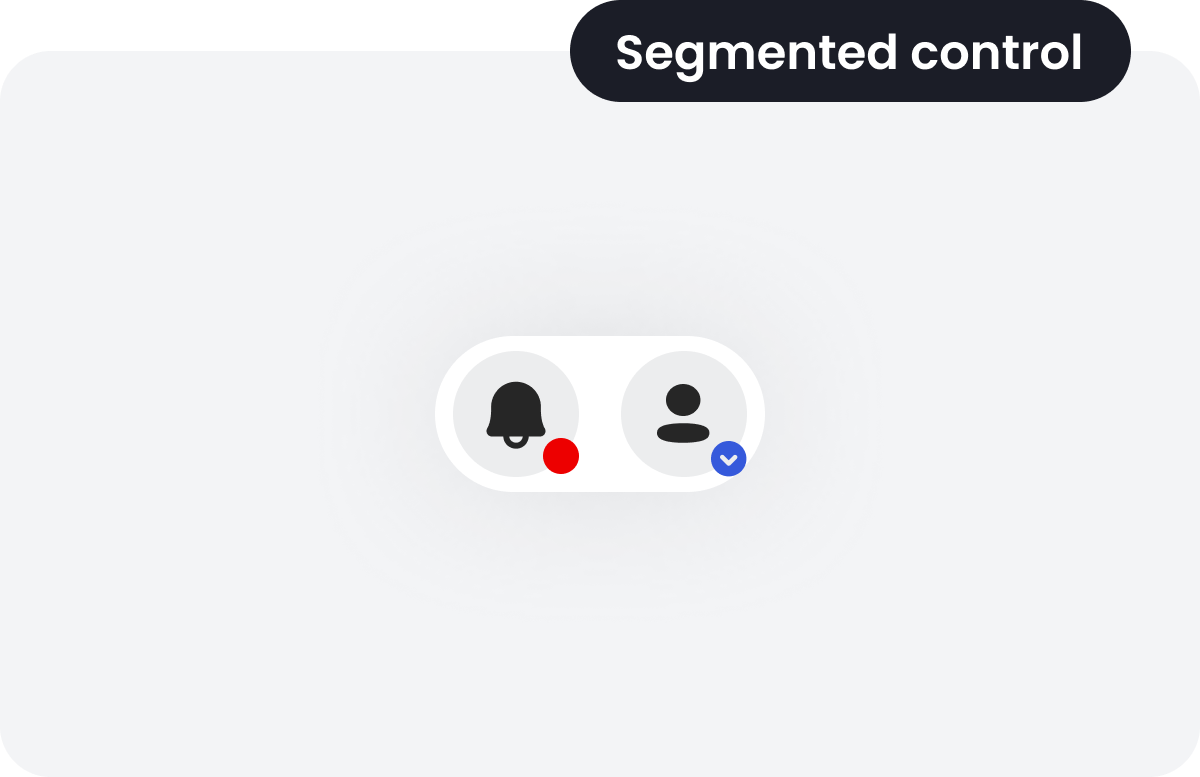
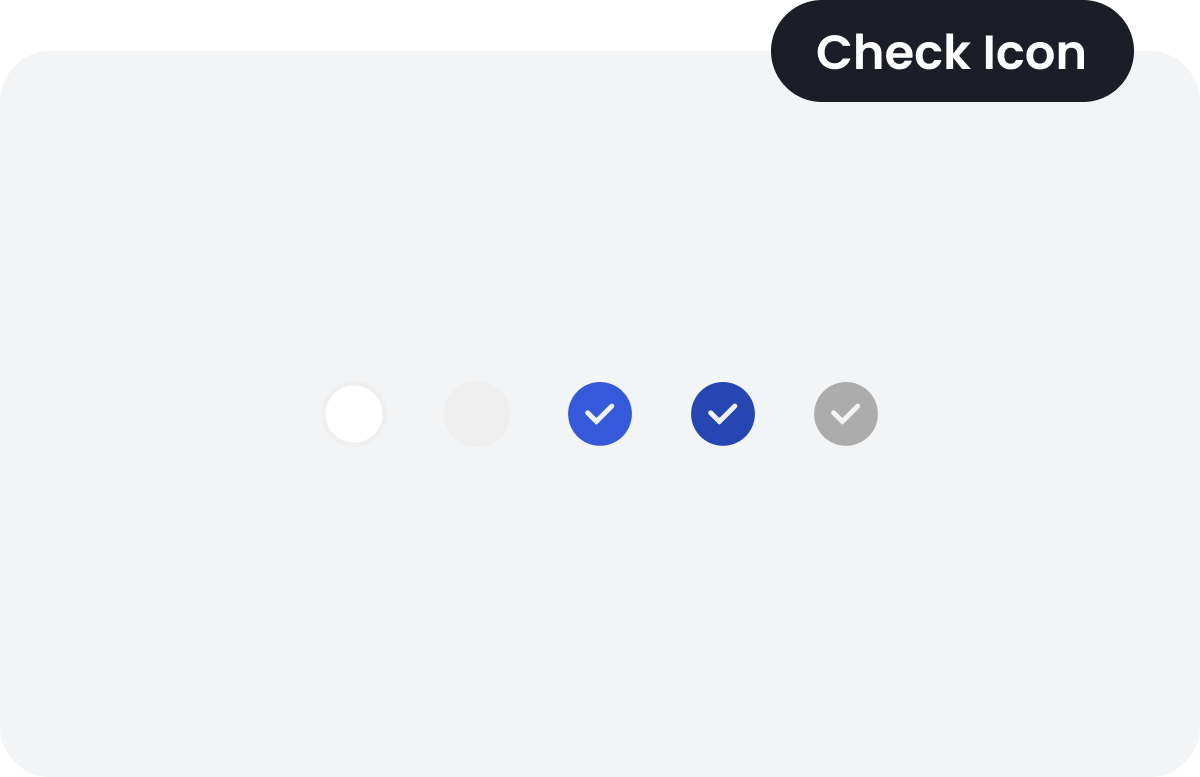
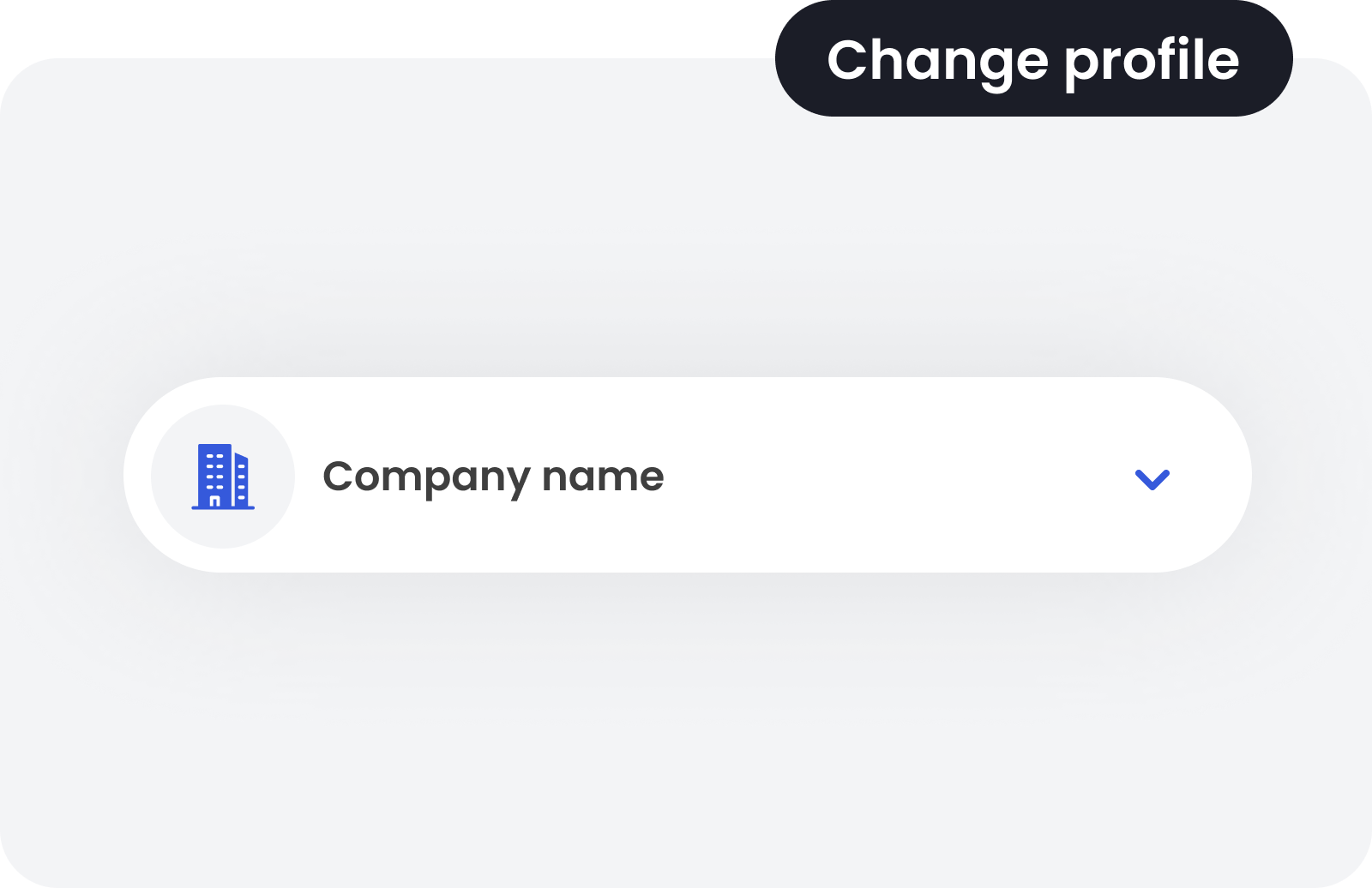
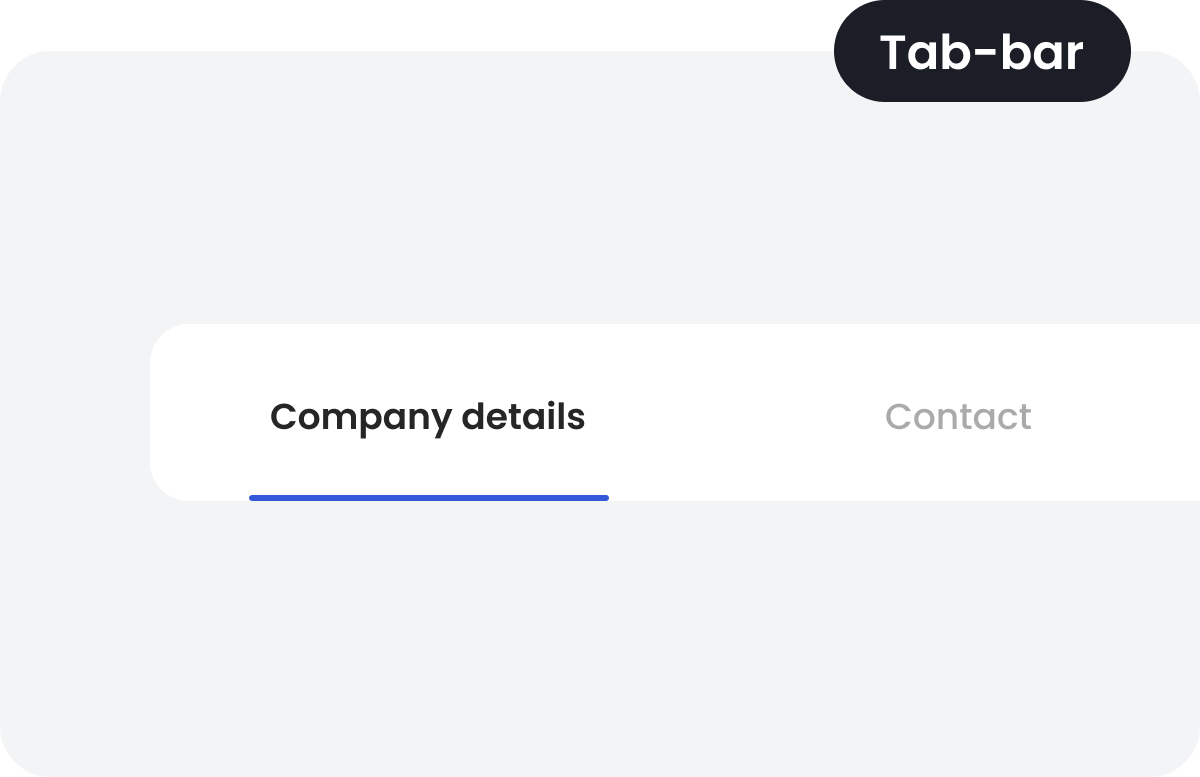
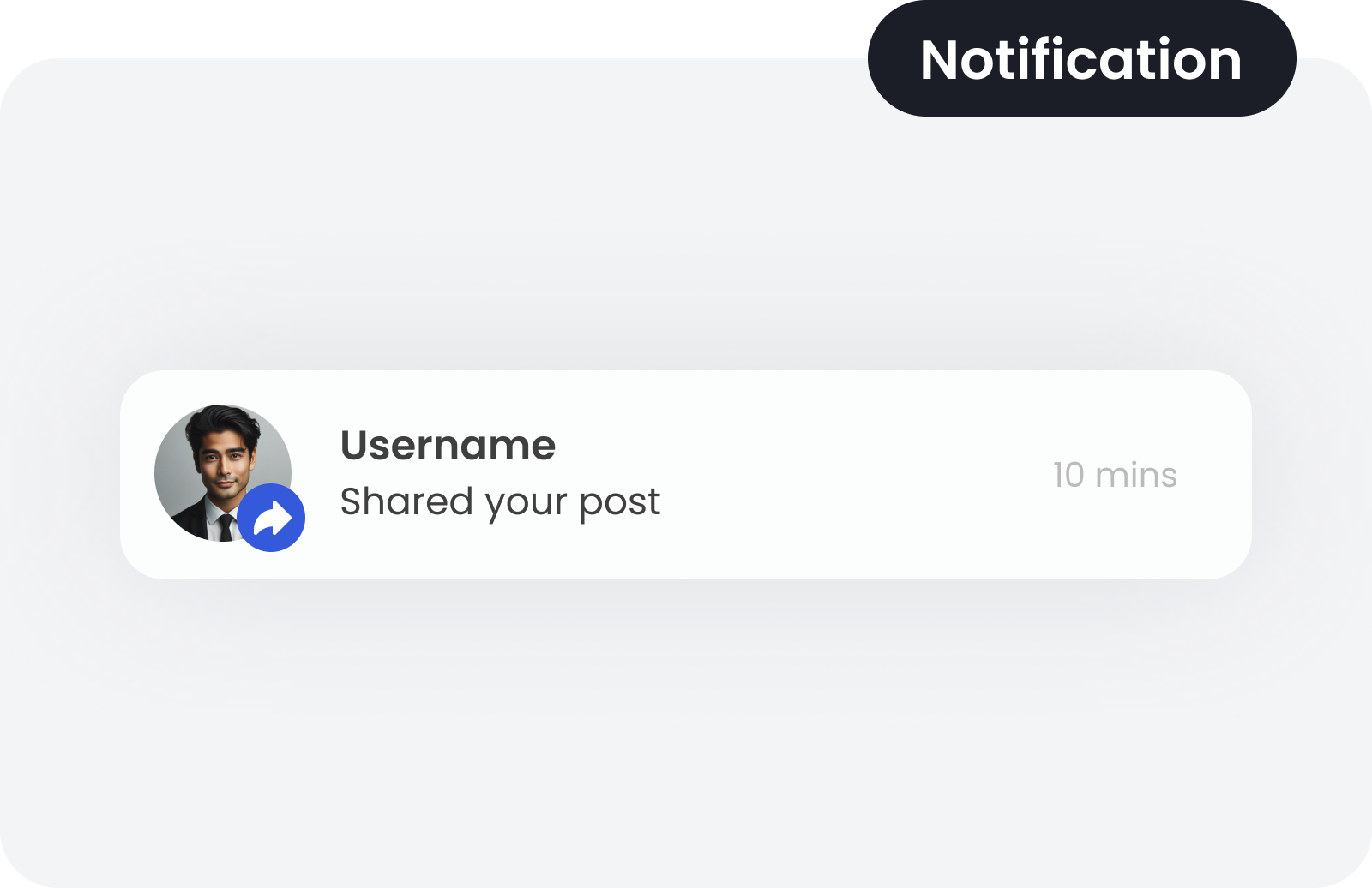
The design system was used and expanded based on the mobile application.

'%3e%3crect%20x='7.5'%20y='9'%20width='24'%20height='21'%20fill='white'/%3e%3cpath%20d='M18%200C26.4853%200%2030.7282%20-0.000296664%2033.3643%202.63574C36.0003%205.27178%2036%209.51472%2036%2018C36%2026.4853%2036.0003%2030.7282%2033.3643%2033.3643C30.7282%2036.0003%2026.4853%2036%2018%2036C9.51472%2036%205.27178%2036.0003%202.63574%2033.3643C-0.000296664%2030.7282%200%2026.4853%200%2018C0%209.51472%20-0.000296714%205.27178%202.63574%202.63574C5.27178%20-0.000296714%209.51472%200%2018%200ZM12.5996%2023.8496C11.8542%2023.8498%2011.25%2024.4547%2011.25%2025.2002C11.2501%2025.9456%2011.8543%2026.5496%2012.5996%2026.5498H23.4004C24.1457%2026.5496%2024.7499%2025.9456%2024.75%2025.2002C24.75%2024.4547%2024.1458%2023.8498%2023.4004%2023.8496H12.5996ZM12.5996%2012.5996C11.6057%2012.5999%2010.7999%2013.8089%2010.7998%2015.2998C10.7998%2016.7908%2011.6057%2017.9997%2012.5996%2018C13.5937%2018%2014.4004%2016.791%2014.4004%2015.2998C14.4003%2013.8087%2013.5937%2012.5996%2012.5996%2012.5996ZM23.4004%2012.5996C22.4063%2012.5996%2021.5997%2013.8087%2021.5996%2015.2998C21.5996%2016.791%2022.4063%2018%2023.4004%2018C24.3943%2017.9997%2025.2002%2016.7908%2025.2002%2015.2998C25.2001%2013.8089%2024.3943%2012.5999%2023.4004%2012.5996Z'%20fill='%230059FF'/%3e%3crect%20x='9'%20y='7.5'%20width='21'%20height='22.5'%20fill='%230059FF'/%3e%3cpath%20fill-rule='evenodd'%20clip-rule='evenodd'%20d='M18.0618%206H17.938C15.9217%205.99998%2014.3247%205.99997%2013.0748%206.17094C11.7885%206.3469%2010.7474%206.71763%209.9263%207.55302C9.10523%208.3884%208.74085%209.44769%208.56791%2010.7564C8.39987%2012.0281%208.39989%2013.653%208.3999%2015.7045V20.2955C8.39989%2022.347%208.39987%2023.9719%208.56791%2025.2436C8.74085%2026.5523%209.10523%2027.6116%209.9263%2028.447C10.7474%2029.2824%2011.7885%2029.6531%2013.0748%2029.8291C14.3247%2030%2015.9217%2030%2017.938%2030H18.0618C20.0781%2030%2021.6751%2030%2022.925%2029.8291C24.2113%2029.6531%2025.2525%2029.2824%2026.0735%2028.447C26.8946%2027.6116%2027.259%2026.5523%2027.4319%2025.2436C27.5999%2023.9719%2027.5999%2022.347%2027.5999%2020.2956V15.7045C27.5999%2013.653%2027.5999%2012.0281%2027.4319%2010.7564C27.259%209.44769%2026.8946%208.3884%2026.0735%207.55302C25.2525%206.71763%2024.2113%206.3469%2022.925%206.17094C21.6751%205.99997%2020.0781%205.99998%2018.0618%206ZM13.8856%2025.814C13.8856%2025.3516%2014.254%2024.9767%2014.7085%2024.9767H21.2913C21.7458%2024.9767%2022.1142%2025.3516%2022.1142%2025.814C22.1142%2026.2763%2021.7458%2026.6512%2021.2913%2026.6512H14.7085C14.254%2026.6512%2013.8856%2026.2763%2013.8856%2025.814Z'%20fill='white'/%3e%3c/g%3e%3cdefs%3e%3cclipPath%20id='clip0_729_7299'%3e%3crect%20width='36'%20height='36'%20fill='white'/%3e%3c/clipPath%3e%3c/defs%3e%3c/svg%3e) Mock'ups
Mock'ups